
Local Voiceover Lab
I wanted voiceovers for my videos that still sounded like me, without recording every correction again. I tested a local voice clone, compared it with my real voice, and used it to narrate the result.
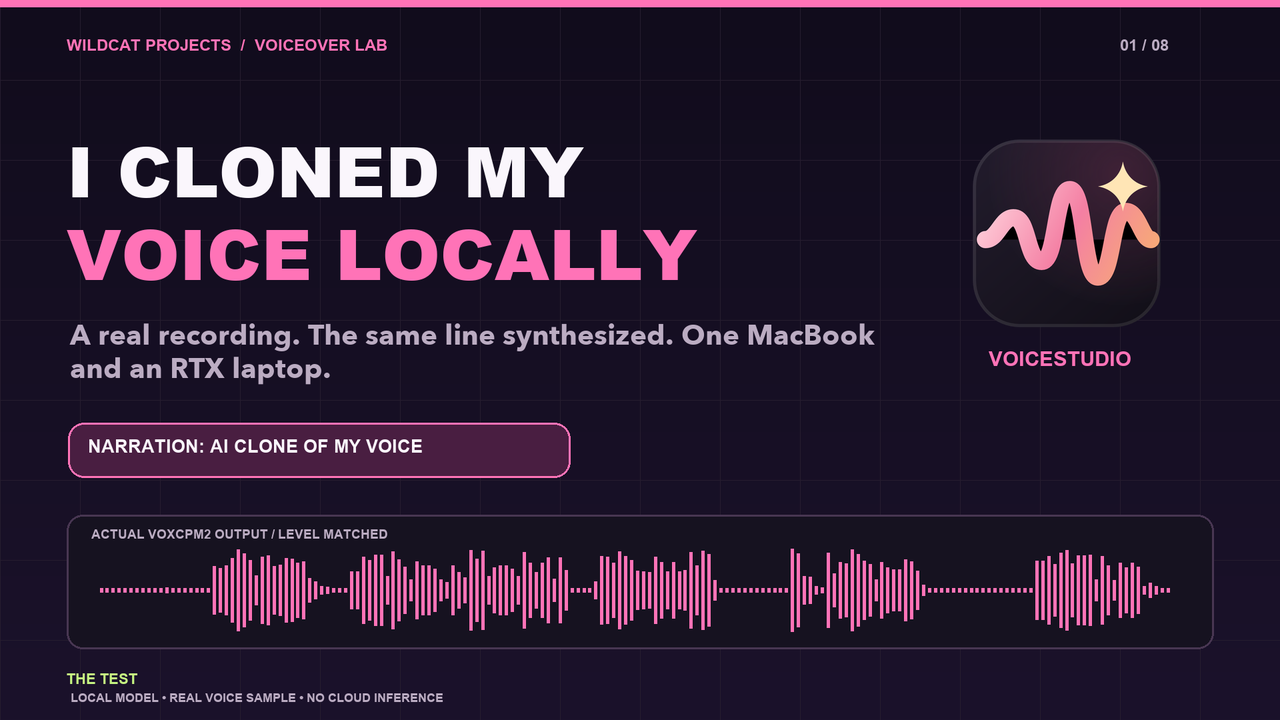 Project filmI Cloned My Voice Locally with VoiceStudio — Does It Sound Like Me?Watch on YouTube ↗
Why I tried it
Local Asset Forge started as a question about making game assets on my own hardware. Along the way, I tried local audio as well. The 3D work was interesting, but the voiceover side made me think about a more immediate problem: I want to make more videos, and rerecording narration every time I change a line slows me down.
I wanted to know if I could make a voiceover that sounds enough like me to put in an actual video. It had to be something I could run locally and revise without starting the whole recording over.
My setup
I used the open-source VoiceStudio app with its VoxCPM2 voice model. I work on my MacBook, but the model and backend run on my RTX 4080 laptop in another room. My Mac was short on space for the model downloads when I set this up, so I connected the app to the laptop through a private SSH tunnel. The recording, editing, and review still happen at my desk.
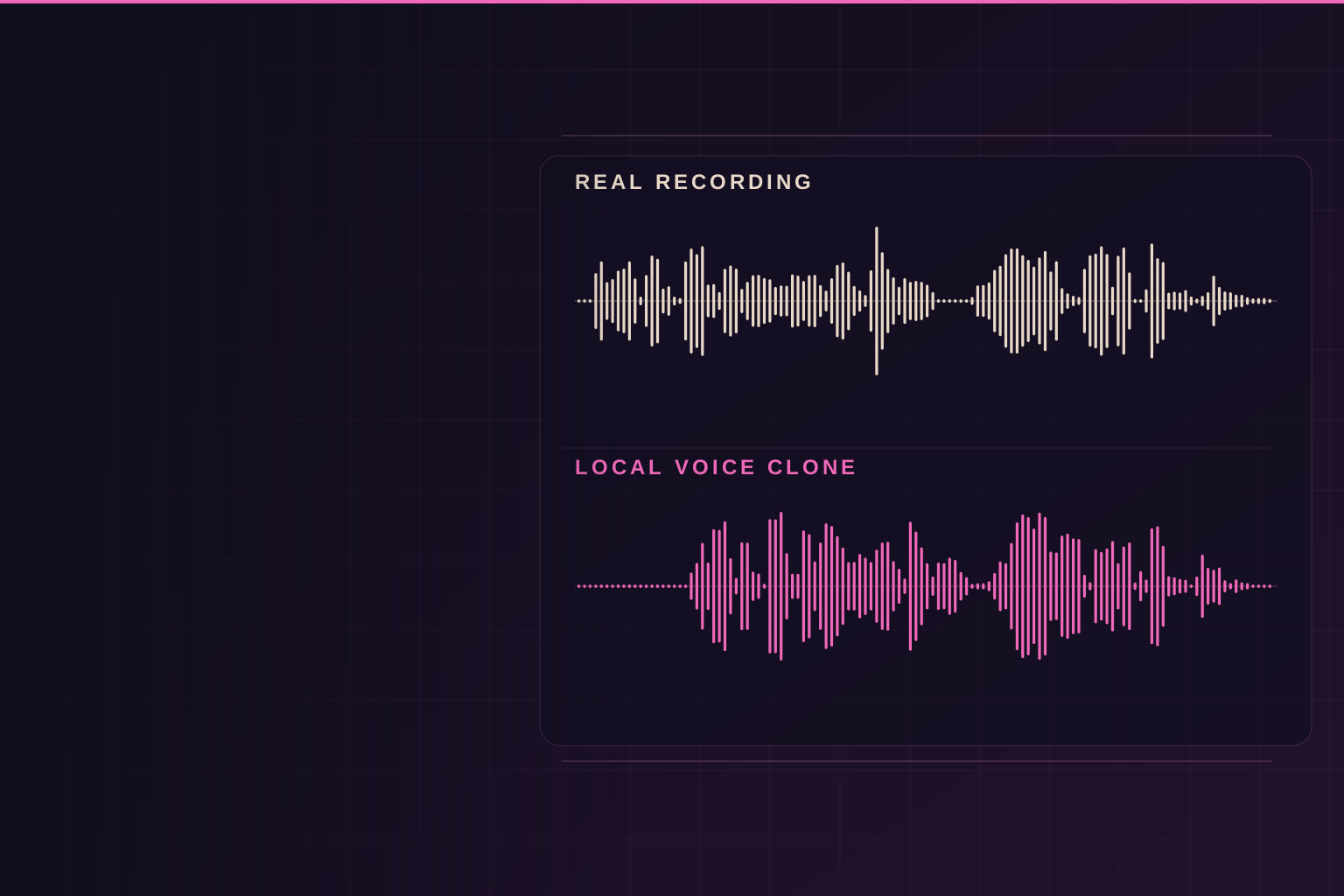
I recorded a natural passage in QuickTime and kept its original file. A short section became the voice reference. I kept a different line from that same recording out of the reference so I could compare my real voice with a generated version saying exactly the same words. The video labels both sides of that test.
The retake
The first version was promising, but I could hear that it wasn’t quite right. A cleaner sample, spoken the way I normally narrate, made a noticeable difference. I generated the new narration in separate sections, listened to each one, and rebuilt the video around the takes I preferred.
At about 0:19 in the film you hear the real recording. At about 0:24 you hear the local clone repeat it. Apart from that real comparison line, the narration in the finished video is generated from my voice sample. The on-screen VoiceStudio interface is a labelled still from the tool’s official demo, rather than footage of that specific generation.
Would I use it?
Yes. I already used it to narrate this video, and I plan to use it again. It gives me a practical way to try another take when I change a script, while keeping the model on hardware I already own.
It still needs a listen. A sentence can have all the right words and still miss the timing, emphasis, or personality I wanted. If that happens, I can generate it again or record the line myself. That’s a much more useful result for me than a perfect-looking demo that I wouldn’t put in a video.
Project timeline
Along the way
- Latest update
A retake I would actually use
My first video cut did not sound quite like me, so I made a cleaner reference recording and generated the narration again. The finished video plays one sentence from my real recording and then the same sentence from the clone. I would use this voice for future videos, but I still need to listen to each take.
Video update · Watch on YouTubeI Cloned My Voice Locally with VoiceStudio — Does It Sound Like Me? The Mac stayed my desk
I got the VoiceStudio app running on my Mac while its VoxCPM2 backend and model ran on an RTX 4080 laptop in another room. A private SSH connection joined them. That let me keep editing on the Mac and leave the larger downloads on the laptop.
The idea after Local Asset Forge
Voice generation was one of the later experiments in Local Asset Forge. It made me wonder whether I could use my own voice in a repeatable local workflow for videos, instead of treating narration as a one-off part of that project.